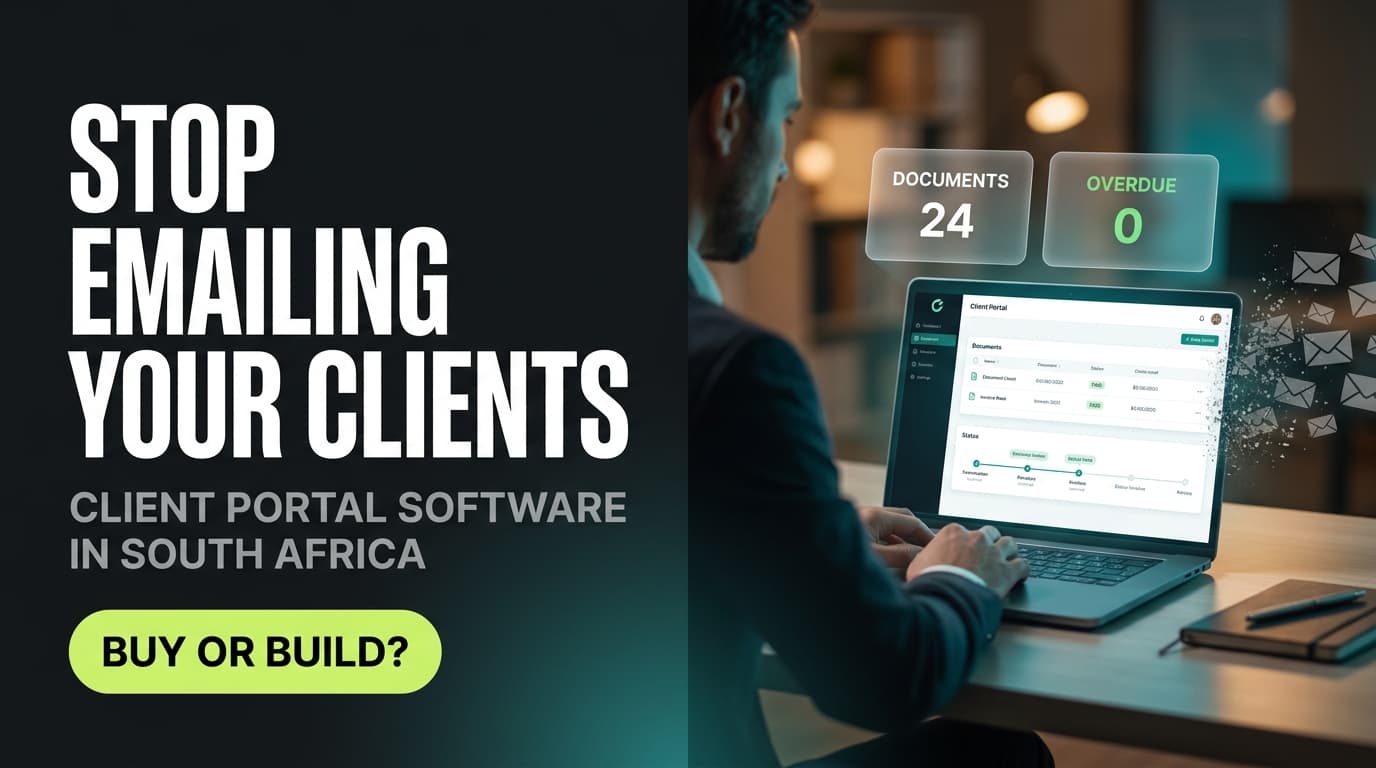
A client portal is a secure, branded login where each of your clients sees everything about their account in one place — documents, invoices, project status, approvals and messages — instead of hunting through email. South African businesses use portals to cut repetitive admin, look more professional, and keep personal information behind proper access control rather than scattered across inboxes.
Most service businesses do not decide to build a client portal. They arrive at one. It starts with a client asking, for the third time, where the signed proposal went. Then someone forwards an invoice to the wrong Gmail address. Then a staff member resigns and half the client history walks out in their mailbox. At some point the admin of sharing things with clients becomes its own job, and the portal stops being a nice-to-have.
This guide covers what a portal actually is, the signs you have outgrown email, what it costs in practice, what POPIA expects of it, and how to choose between subscribing to a product and having one built.
What is a client portal?
A client portal is a private, password-protected area of your website or platform where a client logs in and sees only their own information. Think of it as the difference between posting documents to someone and giving them a key to a room where their documents are already filed.
A typical portal holds some combination of:
- Documents — contracts, reports, proposals, statements, POPIA consent records
- Money — invoices, quotes, payment status, payment links
- Work — project stages, deliverables, timelines, next actions
- Decisions — approvals, sign-offs, feedback threads
- Requests — support tickets, new job requests, intake forms
- People — who at the client has access, and to what
The value is not any single feature. It is that one link replaces a dozen threads, and everyone — your team and theirs — is looking at the same version of the truth.
Client portal vs customer portal: is there a difference?
The terms are used interchangeably, and no formal distinction exists. In practice, "client portal" tends to describe a small number of high-value relationships in professional services — an agency's twenty retainer clients, an accounting firm's client base, a law firm's matters. "Customer portal" tends to describe self-service at volume: thousands of users checking an order or logging a ticket. The technology overlaps; the design priorities differ. A client portal optimises for depth and relationship. A customer portal optimises for deflection and scale.
Five signs your business needs a client portal
You do not need a portal because portals are modern. You need one when specific friction shows up repeatedly. These are the signals worth taking seriously:
- You answer the same question weekly. "Can you resend the invoice?" "What's the status?" "Which version is final?" Every one of those is a query your clients would happily answer themselves at 21:00 if they could log in.
- Client information lives in individual inboxes. If the full history of a relationship exists only in one person's mail, that relationship is one resignation away from a gap.
- You are sending sensitive documents by email attachment. ID copies, payslips, financial statements, medical or HR records — sent to an address you cannot verify, stored on a device you do not control, retrievable forever by anyone with that mailbox.
- Your onboarding is a checklist you re-type every time. Same welcome pack, same document requests, same forms — assembled by hand for each new client.
- You cannot show who saw what, and when. When a dispute arrives — over a scope change, an approval, a delivery date — "I'm sure we sent it" is a much weaker position than a timestamped record.
If three or more of those describe your week, the admin is already costing you more than a portal would. It is simply invisible, because it is spread across everybody's day rather than showing up on an invoice. We have written more on that dynamic in the hidden cost of disconnected business tools.
Client portal vs email and a shared drive
Email and Google Drive are not wrong. They are simply general-purpose tools being asked to do a structured job. Here is where the difference bites:
| What you need | Email + shared drive | Client portal |
|---|---|---|
| Finding the latest document | Search, scroll, hope | One place, current version by default |
| Access when a staff member leaves | History sits in a personal mailbox | Access is a role, revoked centrally |
| Proof of who saw what | Read receipts, at best | Timestamped access and action log |
| Client experience | Your brand, buried in a thread | Your brand, at the front door |
| Onboarding a new client | Manual assembly each time | Repeatable, templated |
| Removing access | Files already downloaded and forwarded | Revoke a login, immediately |
| Reporting on client activity | Not realistically possible | Built in |
The honest counterpoint: a portal only helps if clients use it. A portal nobody logs into is worse than email, because now the information is in two places. Adoption is a design and rollout problem, not a software problem — more on that below.
Not sure whether your admin load justifies a portal? Book a no-obligation discovery call and we will map your current client workflow before anyone talks about building anything.
How much does client portal software cost in South Africa?
There are three broad routes, and the price gap between them is wide. Note that almost all off-the-shelf portal products are priced in US dollars, so your rand cost moves with the exchange rate — a real budgeting factor for South African businesses that international pricing pages never mention.
| Route | Indicative cost | Best suited to |
|---|---|---|
| Portal already included in a platform you pay for | Often included, or a small add-on | Businesses whose CRM or operations platform already offers client access |
| Mainstream seat-based portal product | Roughly US$12–US$20 per user per month | Small teams with a limited number of portal users |
| Specialist or vertical portal (e.g. accounting-focused) | Roughly US$49–US$69 per user per month | Firms needing industry-specific workflows built in |
| Packaged multi-feature portal platforms | Roughly US$250–US$1,500 per month | Larger teams with many clients and heavier feature needs |
| Custom-built portal | From roughly R60,000; R150,000+ with deep integrations | Businesses whose workflow no product matches, or who need it inside an existing system |
Indicative ranges based on publicly listed 2026 pricing and typical project scope. Custom build costs depend entirely on integration depth and workflow complexity — book a scoping call for a fixed quote.
Two costs are routinely underestimated. The first is per-user pricing on the client side — if a product charges for every client login and you have forty clients with three contacts each, the seat maths changes the answer quickly. Check whether client users are free, capped, or billable before you compare anything. The second is data migration: getting years of existing client files, contracts and history into a new structure is usually the largest line item in a portal rollout, and it is work regardless of whether you buy or build.
Does a client portal help with POPIA compliance?
It helps, but the software alone does not make you compliant.
Section 19 of POPIA requires a responsible party to secure the integrity and confidentiality of personal information through appropriate, reasonable technical and organisational measures — preventing loss, damage, unauthorised destruction, and unlawful access. It also requires you to identify risks, maintain safeguards against them, verify that those safeguards are actually working, and update them as new risks appear.
Measured against that standard, a properly built portal is straightforwardly stronger than email attachments in four ways:
- Access control. Information sits behind authentication, tied to a specific person, rather than in whatever inbox an attachment was forwarded to.
- Revocability. When a relationship or a staff member ends, you withdraw access. An emailed attachment cannot be recalled.
- Auditability. Access logs give you evidence that safeguards are operating — which matters, because after an incident the Information Regulator's interest turns to whether reasonable measures were in place and demonstrable.
- Minimisation. A portal makes it practical to give each person only what they need, instead of a shared folder that quietly grows.
What a portal does not do is write your retention policy, define your lawful basis for processing, or train your team. That work remains yours. Our POPIA approach sets out how we handle it on the build side. This is general information, not legal advice — check your specifics with your legal or compliance advisor.
Should you buy a client portal or build one?
The honest default is buy, and build only when there is a clear reason not to.
Buy an off-the-shelf portal when your process is fairly standard, you need it live in weeks, your client volume is modest, and the seat pricing works at your size. Products in this category are mature and inexpensive relative to a build.
Build a custom portal when one or more of these is true:
- The portal must sit inside your existing operations system, showing live job, stock or account data rather than uploaded copies of it.
- Your workflow is genuinely unusual — a subscription product would need heavy workarounds to fit it.
- Client-side seat pricing makes a subscription more expensive than a build within two to three years.
- The portal is part of your product, not just your admin, and needs to carry your brand and interaction design properly.
- You have data residency, integration or security requirements that a generic product cannot satisfy.
There is a third path worth naming: choosing an operations platform where client access is already part of the system. Because Syniq Business OS runs sales, invoicing and support on one data set, client-facing views draw on live records rather than duplicated files — which removes the version problem instead of managing it. You can see how that is packaged on the pricing page.
If the requirement is genuinely bespoke, that is the custom software path — and if the portal is client-facing enough to be part of your brand, it belongs alongside your web design work rather than bolted on afterwards.
How to roll one out so clients actually use it
Portals fail on adoption far more often than on technology. Four things make the difference:
- Give it one job first. Invoices and statements, or documents and approvals. Not everything at once. A portal that does one thing reliably earns the right to do more.
- Make it the only route for that job. If clients can still get an invoice by asking, they will ask. Move the process, then keep it moved.
- Remove the login friction. Magic links or single sign-on rather than another password. Most abandonment happens at the login screen.
- Onboard the client, not just the account. A two-minute walkthrough on a call converts better than any launch email.
Set a simple measure before launch — the number of "can you resend" requests per month, say — and check it after ninety days. If that number has not moved, the problem is adoption, and adoption is fixable.
The bottom line
A client portal is worth it when your business has crossed from having clients to administering clients. Below that line, email and a well-organised drive are fine, and the honest advice is to keep your money. Above it, the portal usually pays for itself in recovered hours, fewer version disputes, and a materially better security posture — before you count what it does to how professional you look.
Ready to work out where you sit? Book a no-obligation discovery call. We will look at your actual client workflow and tell you plainly whether you need a subscription, a build, or nothing at all yet.
Frequently asked questions
What is a client portal? A client portal is a secure, password-protected area where a client logs in to see their own documents, invoices, project status, approvals and messages in one place. It replaces scattered email threads and shared folders with a single branded destination that only that client can access.
What is the difference between a client portal and a customer portal? There is no formal difference, and the terms are used interchangeably. In practice, "client portal" usually describes deep, ongoing professional relationships — an agency's retainer clients or an accounting firm's client base — while "customer portal" usually describes self-service at volume, such as order tracking or support tickets for thousands of users.
How much does client portal software cost in South Africa? Mainstream seat-based portal products are commonly priced around US$12–US$20 per user per month, with specialist vertical products higher and packaged platforms quoted from roughly US$250 per month. A custom-built portal typically starts around R60,000 and rises past R150,000 with deep system integrations. Because off-the-shelf products bill in US dollars, your rand cost moves with the exchange rate.
Does a client portal make my business POPIA compliant? No single tool makes you compliant, but a portal supports several of POPIA's requirements. Section 19 requires appropriate technical and organisational measures to protect personal information. A portal provides authenticated access, the ability to revoke access, an audit trail showing safeguards are working, and practical data minimisation — all of which are stronger than emailing attachments. Policies, retention rules and staff training remain your responsibility.
Do I need a client portal if I already use email and Google Drive? Not necessarily. If you have a handful of clients and a tidy folder structure, that combination works. The case for a portal strengthens when you repeatedly answer the same status questions, when client history lives in individual mailboxes, when you send sensitive documents as attachments, or when you cannot demonstrate who accessed what and when.
How long does it take to build a custom client portal? A focused portal covering one or two workflows is typically a matter of weeks rather than months. Timelines extend when the portal has to integrate with existing systems or when years of historical client data need migrating — data preparation, not development, is usually the longest phase.
Written by Mikhail for Syniq (Pty) Ltd. Syniq is a Cape Town software company building Business OS, websites and custom software for growing South African businesses. This article is general guidance, not legal advice — confirm your own POPIA obligations with your attorney. Pricing ranges are indicative for 2026 and move with scope, vendor and exchange rate.