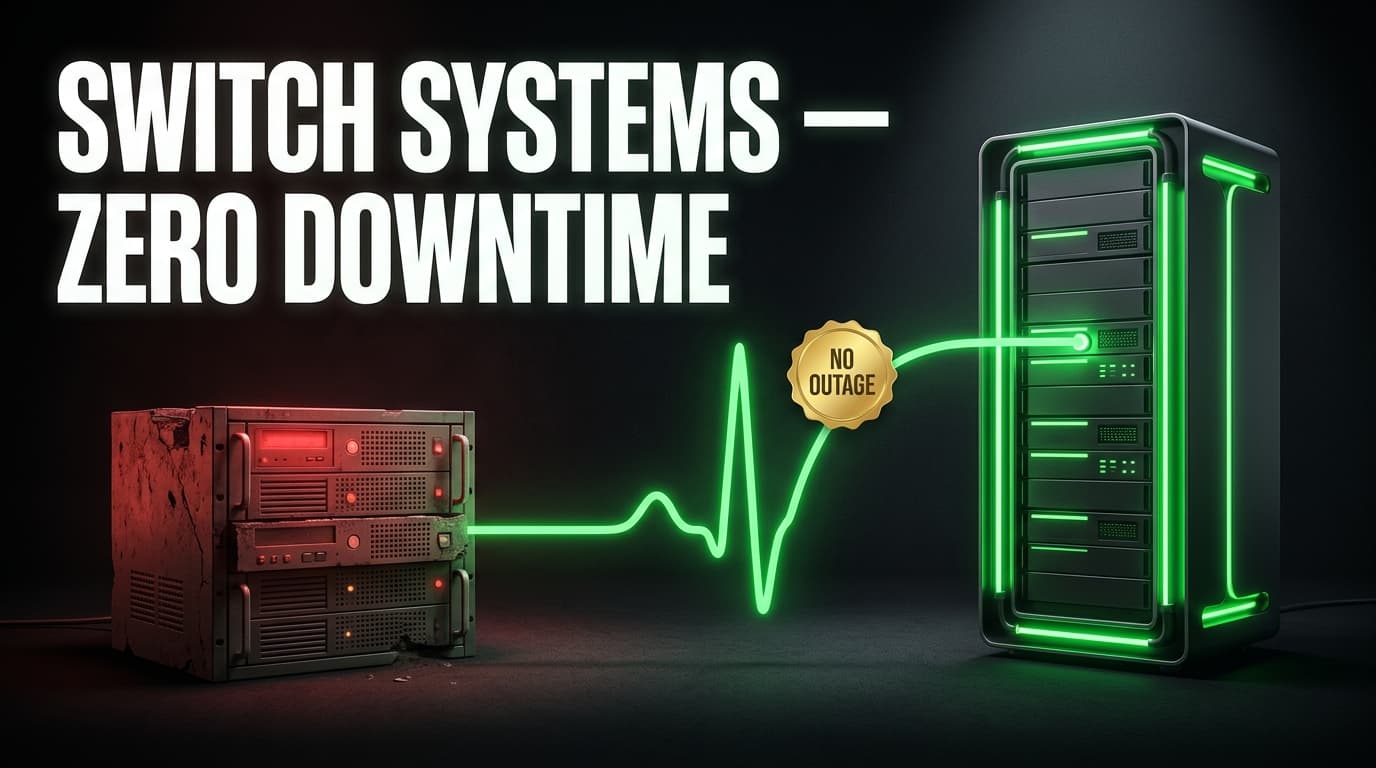
Migrating off legacy software without downtime means running your old and new systems in parallel, moving data in verified stages, and switching users over gradually — never in one risky "big bang" cutover. The safest approach combines a phased or parallel-run migration strategy with a tested rollback plan, so invoicing, customer records, and reporting keep working throughout the transition, not just after it.
If you're staring at a system that's held your business together for a decade — and dreading the switch because "we can't afford to go dark for a weekend" — you're asking the right question. Downtime isn't really about hours offline. It's about missed invoices, stalled sales pipelines, and a support inbox nobody can see. The good news: none of that is inevitable. It's a planning problem, and it has a known set of solutions.
Why do legacy systems become a liability?
Legacy software rarely fails all at once. It erodes slowly — an accounting package that can't handle current VAT reporting requirements, a CRM with no API so every lead gets copy-pasted between tools, a support ticketing system nobody trusts enough to check twice a day. Each workaround adds a little more risk and a little more manual labour.
The tipping point usually looks like one of these:
- The vendor has stopped meaningfully updating the product, so new compliance or tax requirements don't get supported.
- Nobody left on the team understands how the system was configured.
- Every integration is a manual export/import, and someone's job is quietly becoming "keep the spreadsheets in sync."
- The system can't scale with headcount, transaction volume, or a second location.
None of these are downtime events on their own — but they're the reason a migration becomes necessary, and they're exactly what makes teams afraid to start one.
What does "zero downtime" actually mean in a migration?
In practice, "zero downtime" doesn't mean nothing changes overnight. It means your business-critical functions — taking payments, logging sales activity, responding to support tickets — never actually stop, even while the underlying system is being swapped out. Two things make that possible:
- The old system keeps running until the new one is proven. You don't switch off Excel or your legacy CRM the moment the new platform goes live — you run both, side by side, until the new system has demonstrated it produces the same (or better) results.
- The cutover happens in slices, not one leap. Instead of moving every user, every module, and every customer record on the same day, you migrate by team, by module, or by customer segment, watching each slice succeed before moving the next.
This is standard practice in modern system migrations: a phased approach — old system as the baseline, new system running in shadow, traffic gradually shifted across, then the old system retired — consistently produces faster stabilisation and fewer unplanned outages than an all-at-once switch (Netguru, Chudovo).
What are the main migration strategies?
There's no single "right" strategy — the correct one depends on how tightly your business depends on the system being replaced, and how much custom logic is buried inside it.
| Strategy | How it works | Best for | Downtime risk |
|---|---|---|---|
| Big bang cutover | Old system switched off, new system switched on, usually over a weekend | Small, simple systems with light usage | High — any issue is a live incident |
| Parallel run | Old and new systems operate simultaneously; outputs are cross-checked before fully switching over | Finance, accounting, payroll — anything where data accuracy is non-negotiable | Low — old system is the safety net |
| Phased / staged rollout | Migrate by department, region, or module, one slice at a time | CRMs, operations platforms, multi-team businesses | Low — issues are contained to one slice |
| Strangler pattern | New system gradually takes over individual functions while the legacy system still handles the rest | Complex, deeply embedded systems (custom ERPs, bespoke platforms) | Very low, but slower overall |
For most South African SMEs replacing an accounting package, CRM, or operations system, a parallel run combined with a phased rollout gives the best balance of safety and speed — you're not rebuilding your entire tech stack from scratch, and you're not betting the business on a single cutover date.
How do you plan a migration without downtime?
A migration that goes smoothly almost always follows the same sequence, regardless of which system is being replaced.
1. Audit what the legacy system actually does. Not what it was designed to do — what it's actually doing today, including the manual workarounds people have built around it. This is where most migration budgets go wrong: underestimating the "invisible" processes.
2. Define your non-negotiables. Which functions absolutely cannot stop — invoicing, order processing, customer support? These get the most conservative migration path (parallel run). Lower-stakes functions can move faster.
3. Migrate and validate data before anyone touches the new system. Move historical records into the new platform, then reconcile: do the totals, customer counts, and balances match the old system exactly? This step catches the errors that would otherwise surface as a customer complaint three weeks later.
4. Run both systems in parallel for a defined period. Long enough to cover a full business cycle — a full month-end close for finance systems, a full sales cycle for a CRM — so you're confident the new system holds up under real conditions, not just a demo.
5. Cut over in slices, with a rollback plan for each one. Move one team or one module at a time. Know exactly how you'd revert if something breaks, and set a clear go/no-go checkpoint before each slice.
6. Decommission the legacy system last — and deliberately. Only once the new system has carried real operational weight for a full cycle without incident. Keep an archived, read-only copy of the old system's data for as long as your record-keeping obligations require.
If your legacy system is a full operations platform — sales, finance, and support all bolted together — a unified replacement like Syniq's Business OS removes a layer of this complexity, because you're migrating into one connected system instead of stitching together several new point solutions.
How do you handle data migration and POPIA compliance?
Every migration is a data-handling exercise, and in South Africa that puts POPIA obligations directly in scope — not as an afterthought, but as part of the plan.
- Map what personal information you're moving. Customer names, contact details, payment history — know what's flowing from the old system to the new one and why.
- Keep security safeguards equivalent or better. POPIA's security safeguard condition requires that personal information stays appropriately protected throughout processing — migration included, not just steady-state operation.
- Maintain data accuracy through the move. Reconciliation isn't just a technical nicety; POPIA's information quality condition expects the data you hold to be accurate and up to date, and a sloppy migration is a common way accuracy quietly breaks.
- Have a breach response plan for the migration window itself. The period when data exists in two systems, plus export files and backups, is when exposure risk is highest — plan for it explicitly rather than assuming it's covered by your existing policy.
- If a specialist processes the data migration on your behalf, make sure the operator relationship is documented, consistent with POPIA's requirements for responsible parties and operators.
Read Syniq's plain-English POPIA guide for the fuller compliance picture, or fold it into your migration plan from day one rather than retrofitting it afterwards.
Thinking about swapping out an accounting system specifically? If Sage or a similar legacy package is what you're moving off, see how Syniq compares as a Sage alternative with built-in, tax-compliant invoicing and accounting — migrating finance data is exactly the kind of move where a parallel run pays for itself.
What can go wrong — and how do you avoid it?
Most migration failures trace back to one of a handful of causes:
- No rollback plan. Something breaks mid-cutover and there's no defined way back to the known-good state — so the team improvises under pressure.
- Skipping user acceptance testing. The system works in a technical sense, but the people using it daily haven't validated it against their real workflows before go-live.
- Underestimating integrations. The legacy system quietly feeds three other tools nobody remembered to account for.
- Migrating everything at once. Even with good intentions, a single big-bang cutover multiplies the blast radius of any one issue.
- No defined "done." Both systems keep running indefinitely because nobody set a clear date and criteria for retiring the old one — which erodes the value of the migration and doubles your admin.
Build in real-time monitoring, functional and performance testing, and a formal data validation step before each cutover slice — these are the practices that consistently separate a smooth migration from a public one.
How much does a legacy system migration cost in South Africa?
Costs vary widely with system complexity, data volume, and how many integrations need rebuilding. As an indicative guide only:
| Migration scope | Typical indicative range (ZAR) | Timeframe |
|---|---|---|
| Single-system swap (e.g. accounting or CRM only), moderate data volume | R60,000 – R180,000 | 4–8 weeks |
| Multi-module migration (finance + CRM + operations) | R180,000 – R450,000+ | 8–16 weeks |
| Complex legacy system with heavy custom logic or many integrations | R450,000+ | 16+ weeks |
These figures are directional, not quotes — the only way to know your real number is a scoping conversation grounded in your actual data volumes and integrations. Book a no-obligation discovery call and get a fixed quote for your specific migration, or see indicative Business OS pricing if you're consolidating onto a single platform.
When should you bring in a software partner?
DIY migrations work when the system is simple and the data is clean. Bring in a specialist when any of the following are true: the legacy system has custom logic nobody currently on staff fully understands, the data needs real reconciliation rather than a straight export/import, multiple integrations need to be rebuilt, or the cost of getting it wrong (a finance system, a customer database) is high enough that a parallel-run safety net is worth paying for.
A team that's done this before will also spot the "invisible" processes — the manual workaround, the spreadsheet nobody mentioned — before they become a gap in your new system.
Ready to plan your migration?
Whether you're replacing a single legacy tool or consolidating sales, operations, finance, and support into one platform, talk to Syniq about a migration plan built around zero disruption to your day-to-day operations. Explore Syniq's Custom Software services if your legacy system needs bespoke replacement work, or see how Business OS consolidates multiple legacy tools into one connected system.
Frequently asked questions
Does migrating to new business software always require downtime? No. With a parallel-run or phased migration strategy, your team keeps using the legacy system for critical functions until the new system is fully validated, so there's no point where operations stop.
How long should you run old and new systems in parallel? Long enough to cover one full business cycle relevant to that system — a complete month-end close for finance software, a full sales cycle for a CRM — so you can confirm the new system holds up under real, not just test, conditions.
What's the biggest mistake businesses make when migrating off legacy software? Attempting a single "big bang" cutover without a tested rollback plan. It concentrates all the risk into one weekend instead of spreading it across smaller, reversible steps.
Does POPIA apply during a software migration, not just after it? Yes. Personal information moving between systems, sitting in export files, or held in backups during the migration window is still subject to POPIA's security, accuracy, and accountability requirements.
Can you migrate off multiple legacy systems (accounting, CRM, support) at once? It's possible but riskier — most successful migrations tackle one system at a time, or consolidate onto a single platform like a Business OS so future migrations aren't needed at all.
How much does a legacy software migration cost in South Africa? Indicative ranges run from roughly R60,000 for a single, moderate-complexity system swap to R450,000+ for a multi-module migration with heavy integrations — but a fixed quote requires a scoping call against your actual data and systems.
Syniq (Pty) Ltd is a Cape Town software company. We build custom software, web and mobile applications, and Business OS — an all-in-one operations platform for growing South African businesses.